
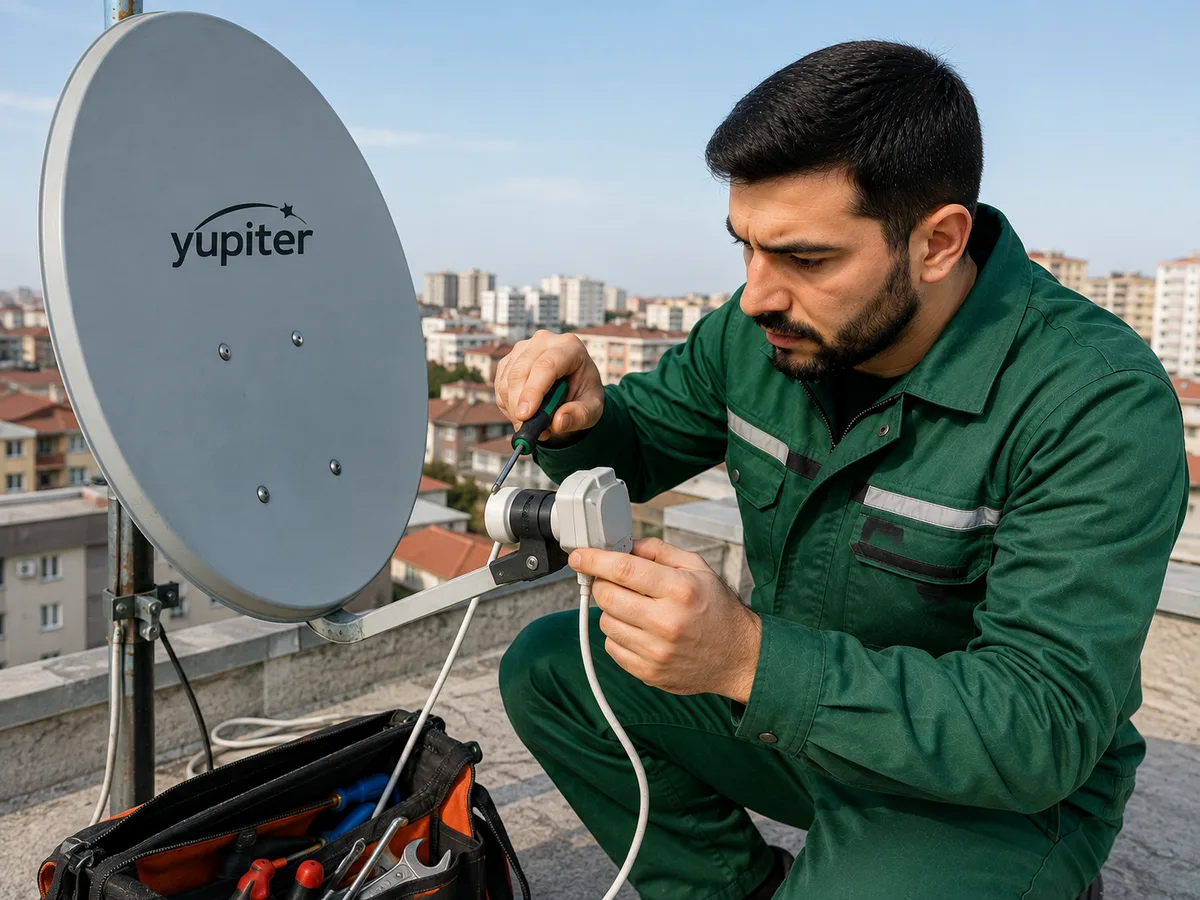
A satellite dish with no signal can cause TV channels to become unavailable, the picture to freeze, or a “No Signal” message to appear on the screen. The problem may be related to the satellite dish itself or to other components such as the cable, LNB, and satellite receiver.
First, check whether the television or satellite receiver is working properly. Make sure the device is connected to the power supply and that the correct HDMI input or other appropriate input source is selected on the television.
The signal strength and signal quality can usually be checked in the satellite receiver's menu. If there is signal strength but the quality is very low or zero, the problem may be caused by a change in the dish alignment or incorrect positioning toward the satellite.
A change in the direction of the satellite dish is one of the most common causes of signal loss. Strong winds, loose mounting hardware, or physical impact can move the dish from its original position. Even a small change in alignment can cause TV channels to disappear.
A faulty LNB installed on the satellite dish can also cause signal loss. The LNB receives the signal from the satellite and sends it to the receiver through the cable. If the LNB becomes faulty, the signal may weaken or disappear completely.
The correct positioning of the LNB is also important. A change in its angle or movement from its original position on the dish can reduce signal quality.
The coaxial cable running from the satellite dish to the receiver should be carefully inspected. A broken or crushed cable, damaged insulation, or moisture entering the cable can weaken the signal or cause complete signal loss.
The connectors at the ends of the cable can also cause problems. If an F-connector is loose, oxidized, or incorrectly attached to the cable, a stable signal may not reach the satellite receiver.
Rain, heavy snow, strong winds, and dense cloud cover can sometimes temporarily weaken the satellite signal. If the signal returns after the weather improves, there may not be a permanent fault in the system.
Physical obstacles in front of the satellite dish can also affect signal reception. Tree branches, a new building, a wall, or other obstacles blocking the dish's line of sight to the satellite can significantly reduce signal quality.
If the problem occurs only on certain channels, the cause may not be the satellite dish itself but the channel frequencies or receiver settings. In this case, it may be necessary to scan for channels again and check the satellite settings.
Changes to the receiver's software or settings can also cause channels to disappear. Satellite selection, LNB settings, DiSEqC settings, and channel frequencies must be configured correctly.
In systems that use multiple satellite dishes or LNBs, a faulty DiSEqC switch can also cause signal problems. If the switch is not working correctly, the receiver may be unable to receive a signal from the selected satellite.
Trying to adjust a satellite dish yourself when it is installed on a roof, building facade, or other elevated location can be dangerous. If accessing the dish requires using a ladder or climbing onto a roof, it is safer to leave the work to a professional technician.
If the satellite dish has no signal, it is recommended to contact a professional satellite dish technician. The technician can check the dish alignment and signal level, LNB, cable, connectors, DiSEqC switch, and receiver settings. Once the cause of the problem has been identified, the dish can be realigned, channels can be rescanned, or the necessary component can be replaced.